Equipment rental software
Rent. Sell. Repair. One platform.
Take bookings at the counter and online. See what’s ready to rent and what’s due back today.

Trusted by rental shops, just like yours.














The Heyquip platform.
Be in control.
Your team. Connected.
Built for rental businesses and construction companies managing their own fleet. Bring equipment, orders and maintenance together so your team knows what’s happening and what needs to happen next.
Rentals
Your rental day, in one view.
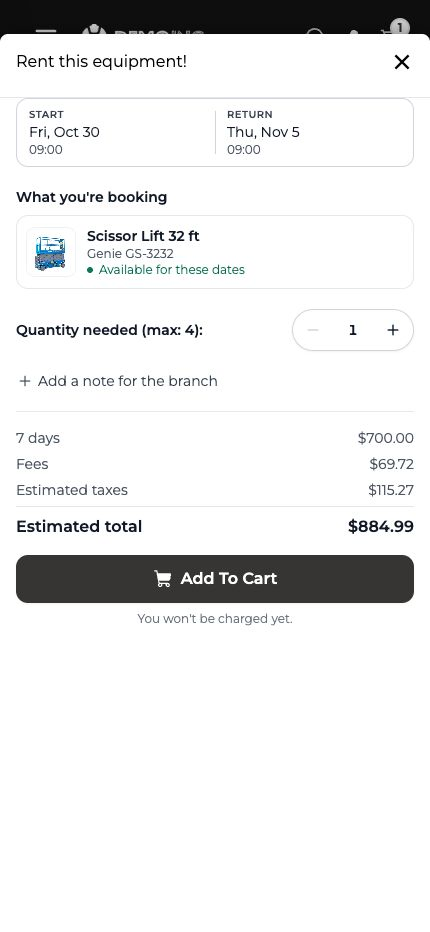
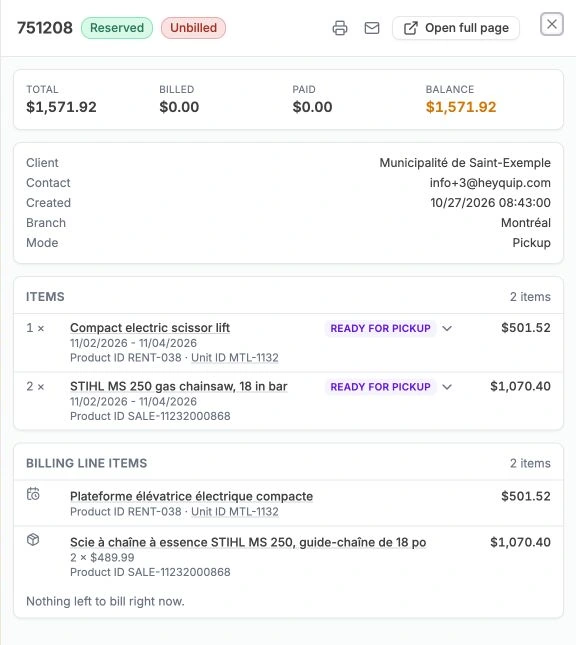
Plan pickups and returns from your calendar. Open a reservation to see the customer, equipment, status and balance alongside the schedule.
Explore rentals
Sales
Sell equipment, parts and supplies. On one order.
Add equipment, parts and consumables to a sale. Keep rental and sale items together when the customer needs both.
Explore sales
Service & repairs
Manage maintenance and repairs. Keep equipment ready.
Track work orders, parts and labour for your own fleet or your customers’ equipment. Keep each machine’s service history in one place.
Explore service & repairsTrack tasks and time
List the work for each repair and record when each task starts and stops.
Find and add parts
Find parts in inventory, add them to the work order, and mark them used.
Invoice the customer
Create an invoice from the billable parts and labour on the work order.
Customer management (CRM)
Know your customers. Give your team the full picture.
See who rents from you, what they’ve rented and what they still owe. Link people to their company and check each contact’s identity verification status.
Explore the platform
Fleet & inventory
Know what’s available. Keep equipment moving.
Check availability across branches. Plan deliveries, pickups and transfers in the same platform.
Explore fleet & inventory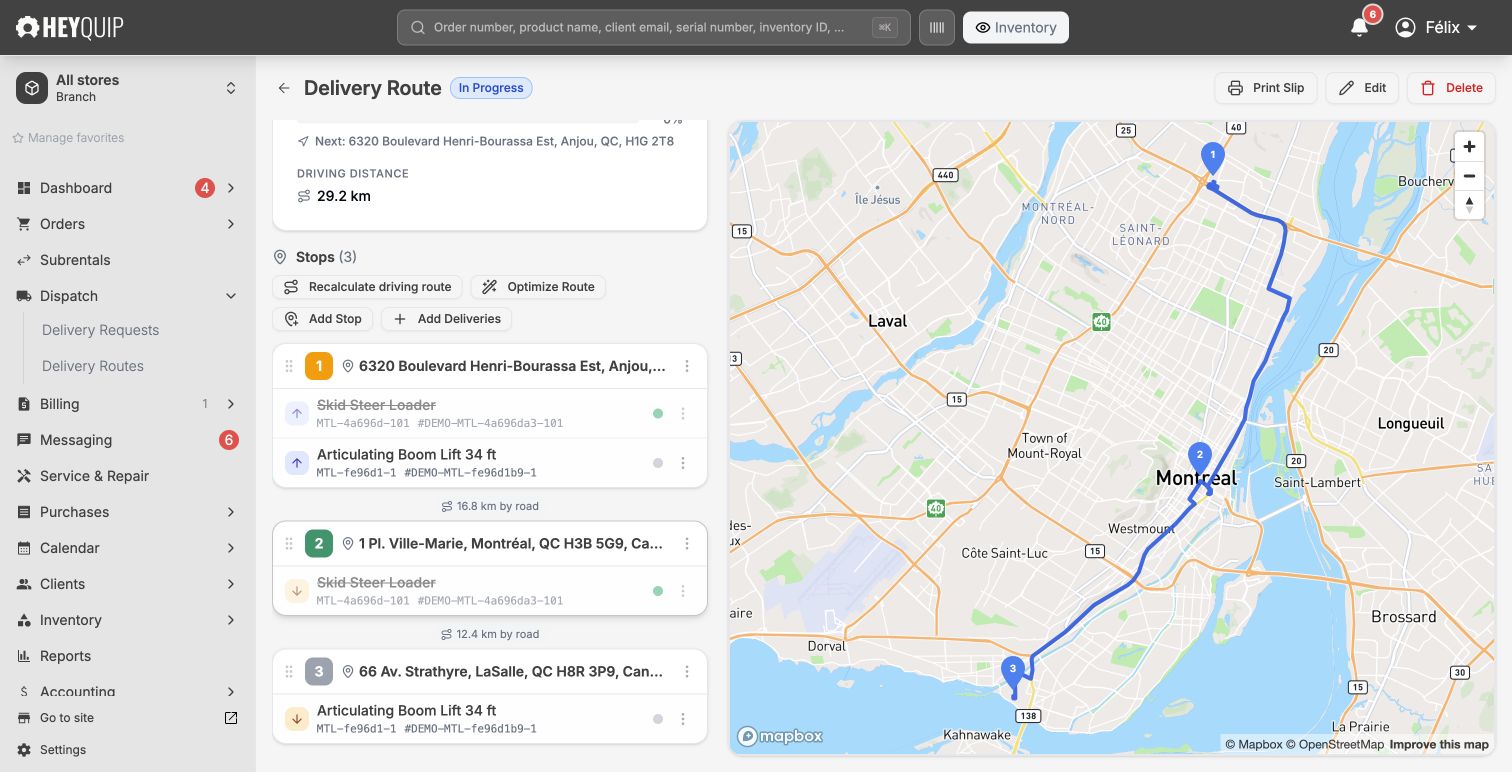
Billing & receivables
Invoice the work. Know what’s still owed.
Create invoices for rentals, sales and repairs. Bill long rentals by period, follow outstanding balances and prepare customer statements.
Explore billing & receivables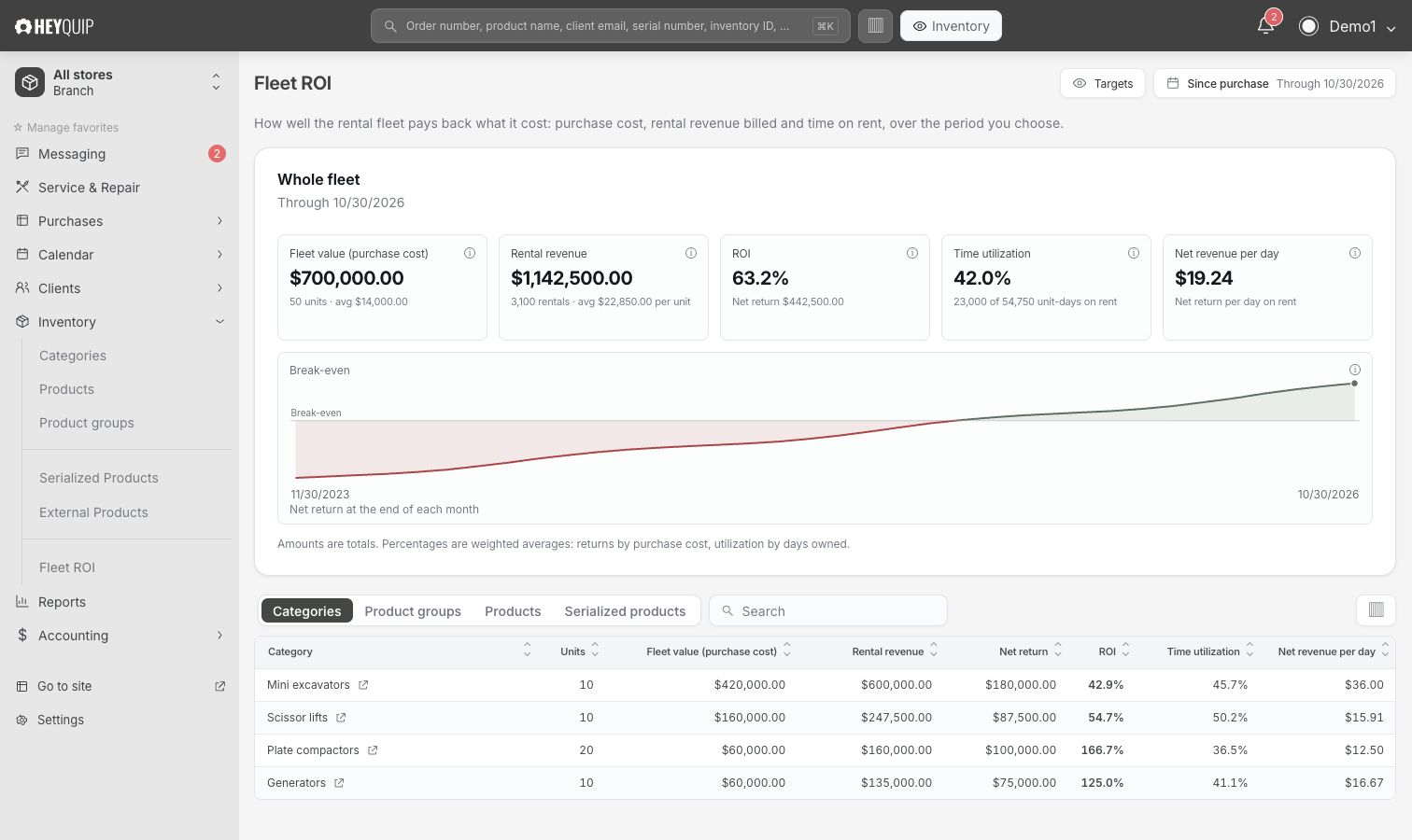
Accounting & reports
Follow every entry. Close with confidence.
Review debits and credits, trace entries back to the work and close the period when your figures are ready. Keep the day-to-day activity and the books connected.
Explore accounting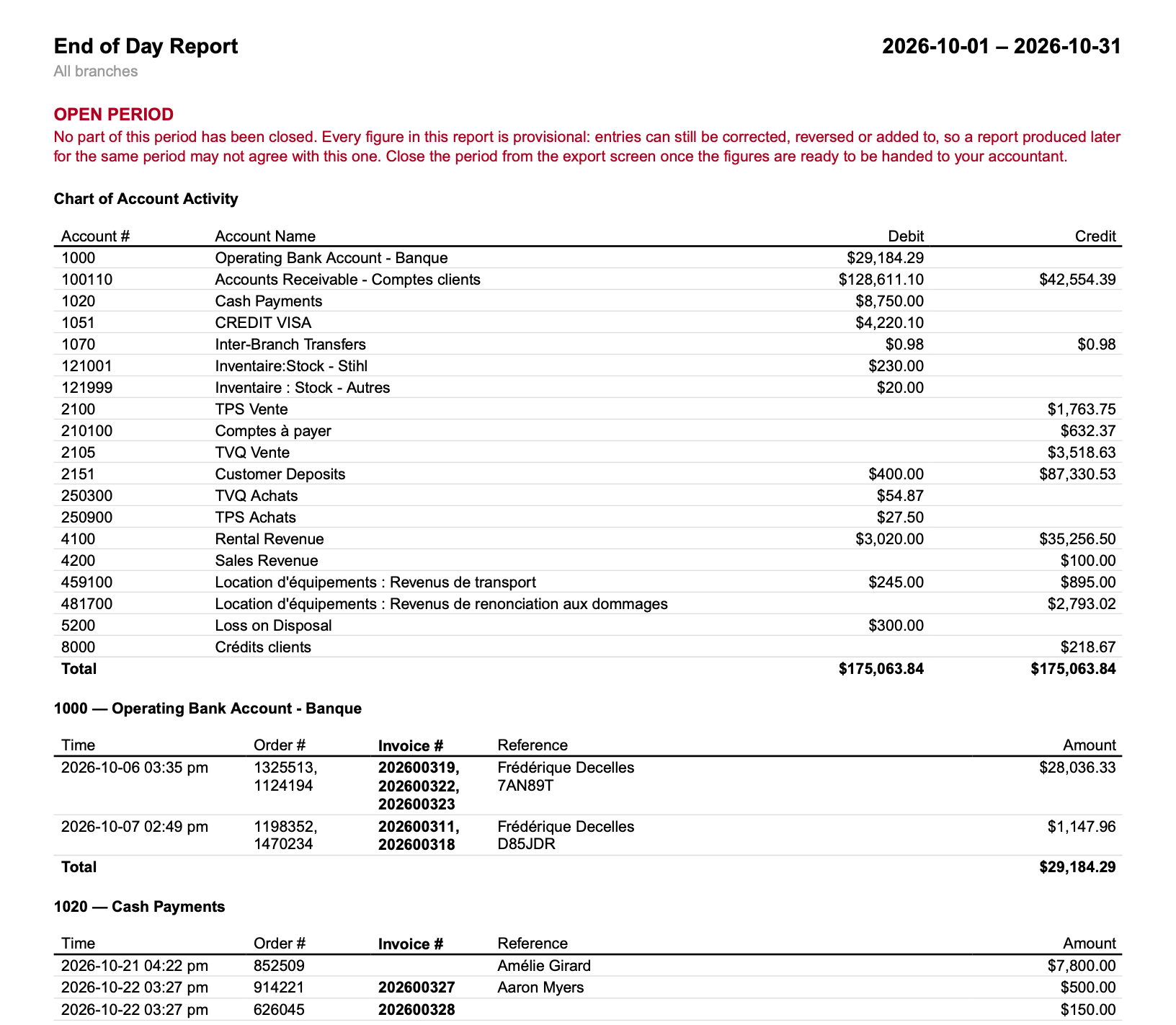
Journal entry
Order 1368987Deposit held at the start · Oct 26, 2026, 2:21 PM
| Account | Debit | Credit |
|---|---|---|
| 100110 Accounts Receivable | $423.00 | — |
| 2151 Customer Deposits | — | $423.00 |
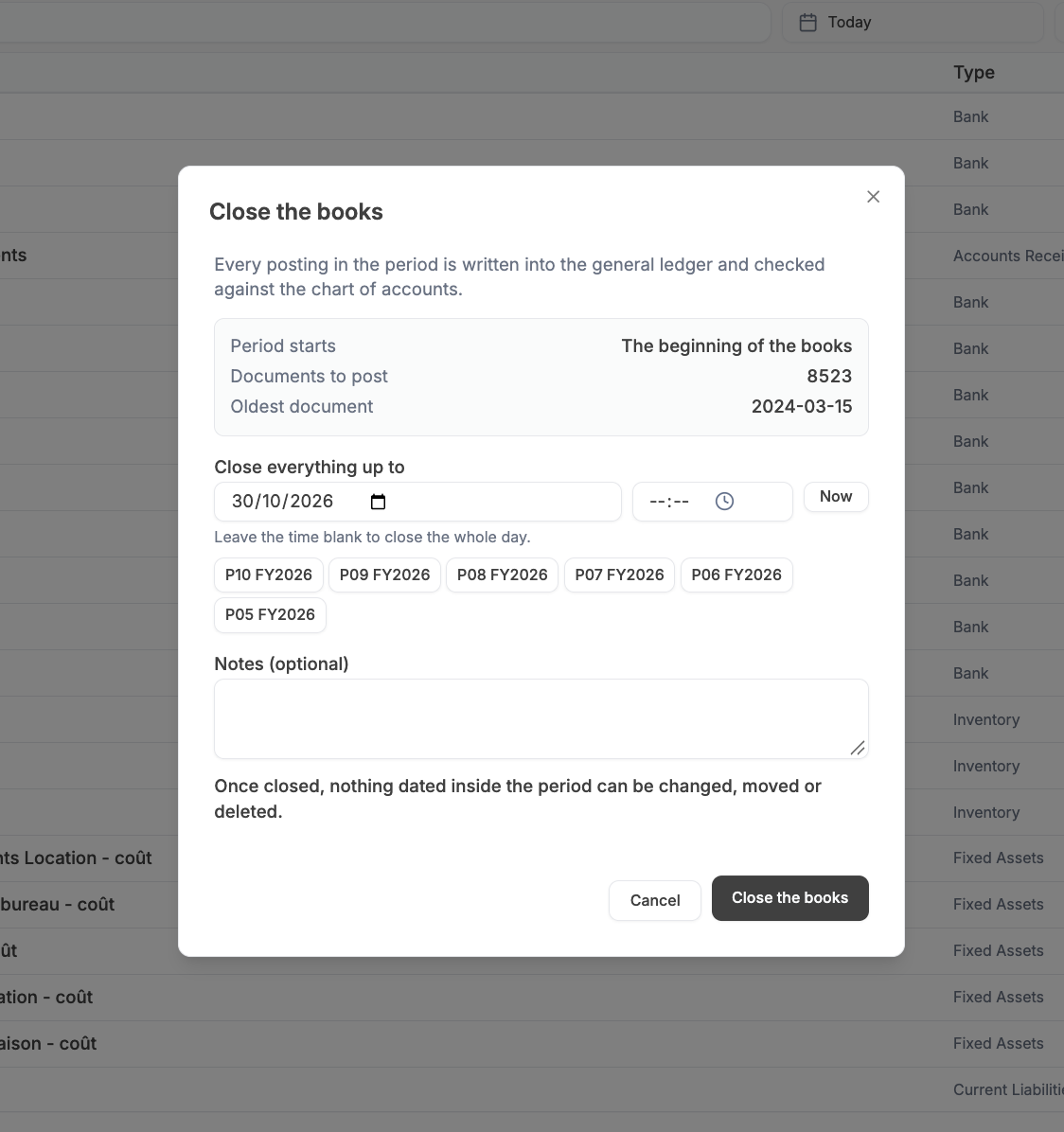
8,523 documents to post · Cutoff Oct 30, 2026
Payments
Accept payments. At the counter and online.
Payments and deposits stay linked to the order, so your team can see what’s paid and what’s still owed.
Explore payments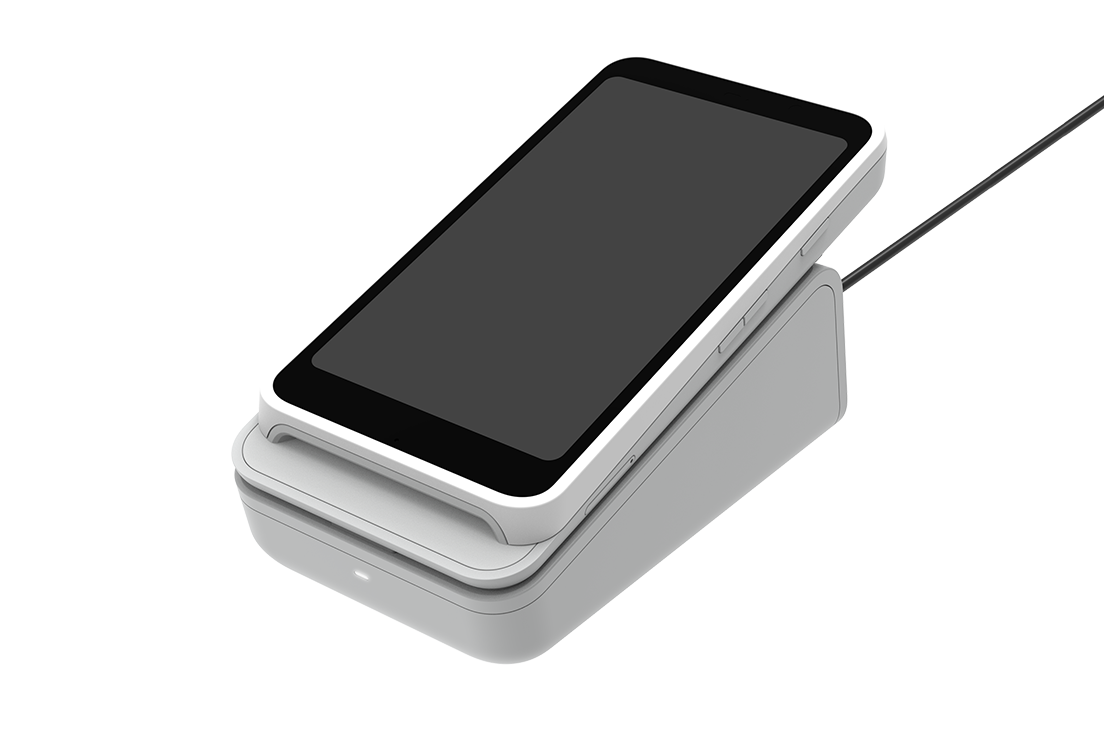
Online storefront
Rent and sell. On one website.
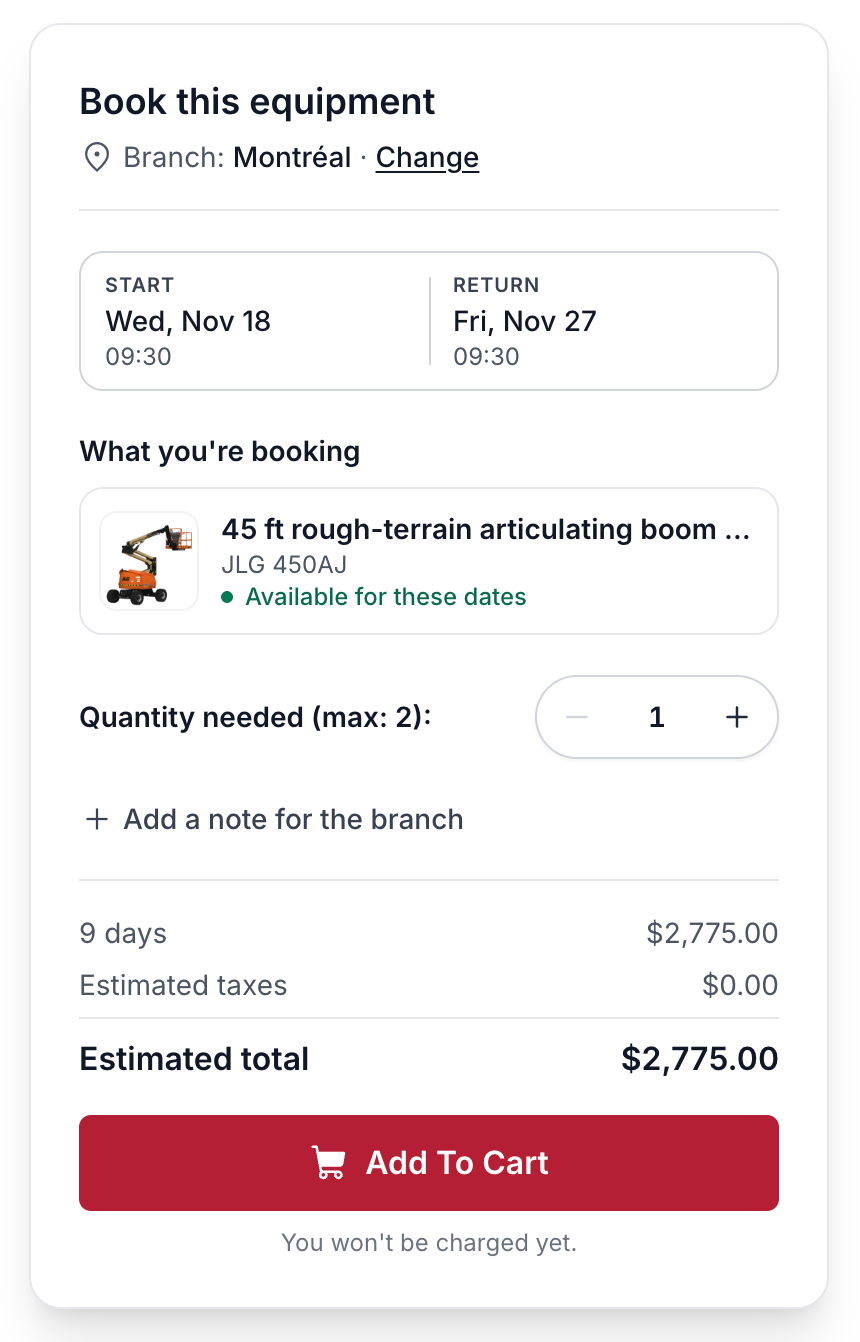
Let customers browse your equipment, choose rental dates and see availability and pricing. Take rental and sales orders through one website.
Explore the online storefront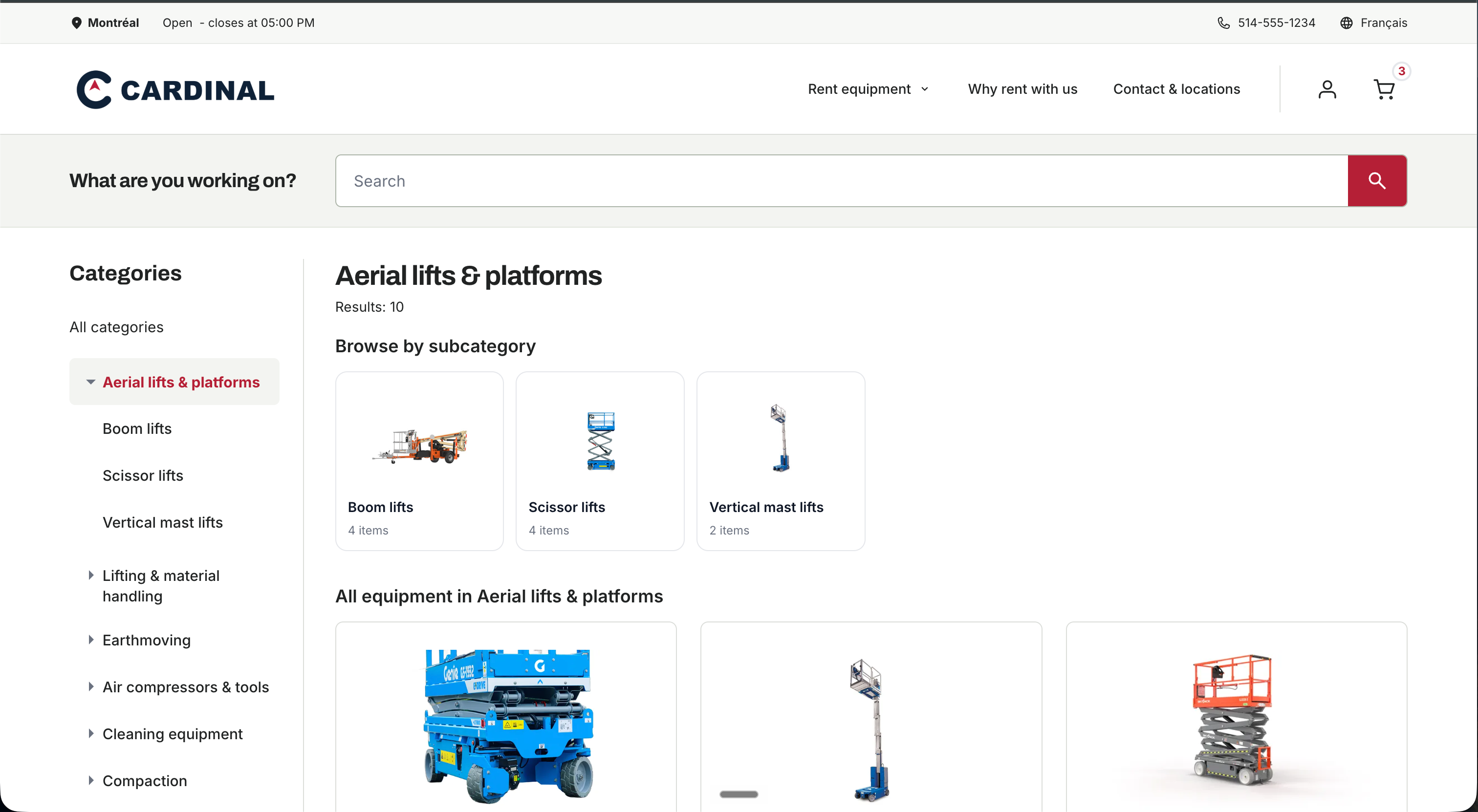
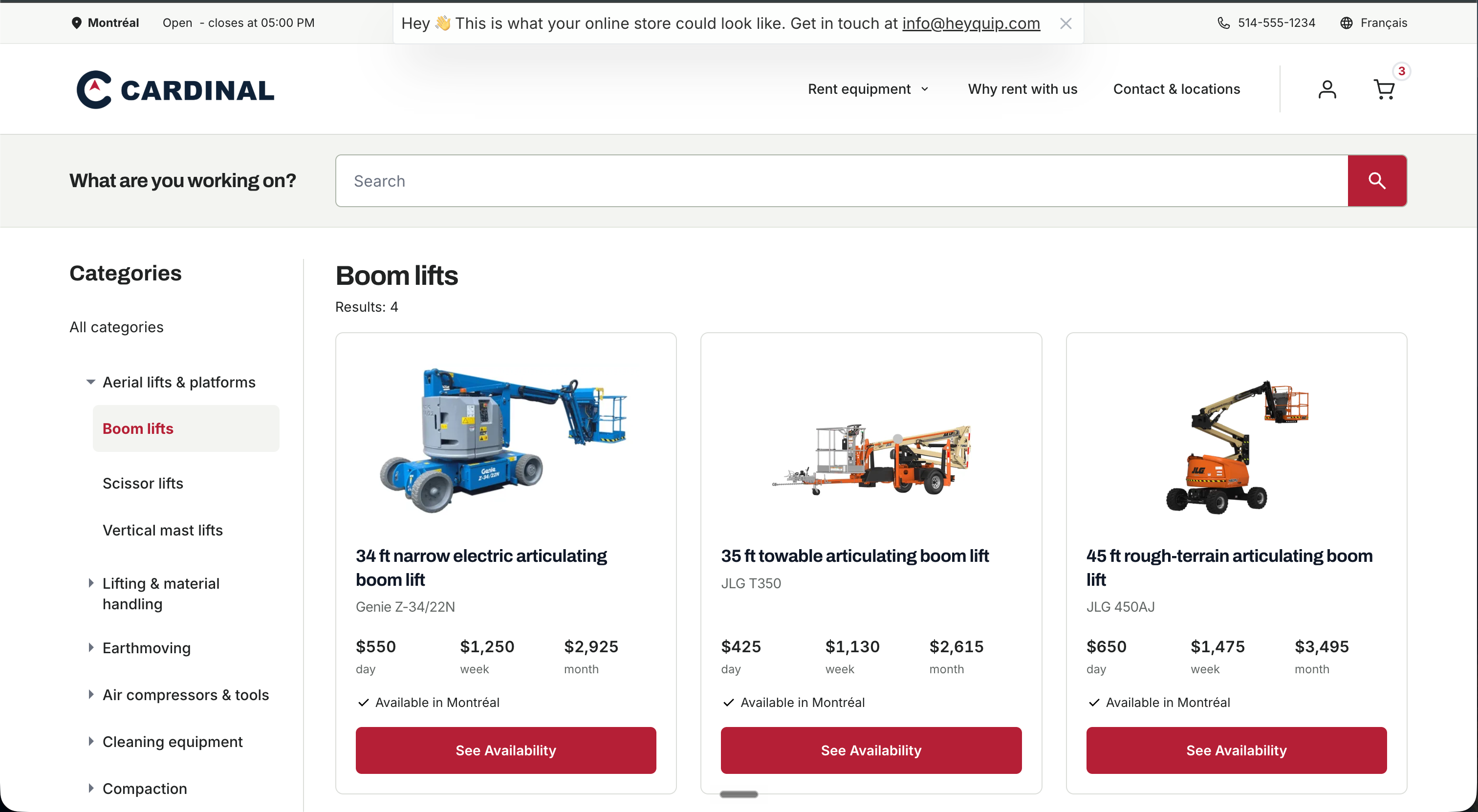
B2B customer portal
Their rentals. Their invoices. All in one place.
Give business customers a clear view of their rentals and what they owe. Let them review invoices, pay their balance and contact your shop.
Explore the customer portalOne connected platform.
Explore the platformPeople at the centre of automation.
The Heyquip symbol brings together a gear and a person. The gear represents automation of repetitive work. The person stays at the centre: decisions and customer relationships stay in your hands.
Our symbol. Our conviction.
Pricing that fits your shop.
Software subscription
Starting at
$599/ month
Up to 10 employees · 1 branch
The price is not tied to the number of user accounts.
More than 10 employees or more than one branch?
Tell us about your team and inventory locations. We’ll prepare a quote with the right scope and explain the included setup, training and support.
We hear you.
The software isn’t the cost. The switch is.
No bullshit. You need a clear plan. Not another software company selling you a dream it can’t deliver. Let’s look at what the move involves before you decide, and how our team can help make it simpler.
See the migration planBuilt for the people behind the counter.
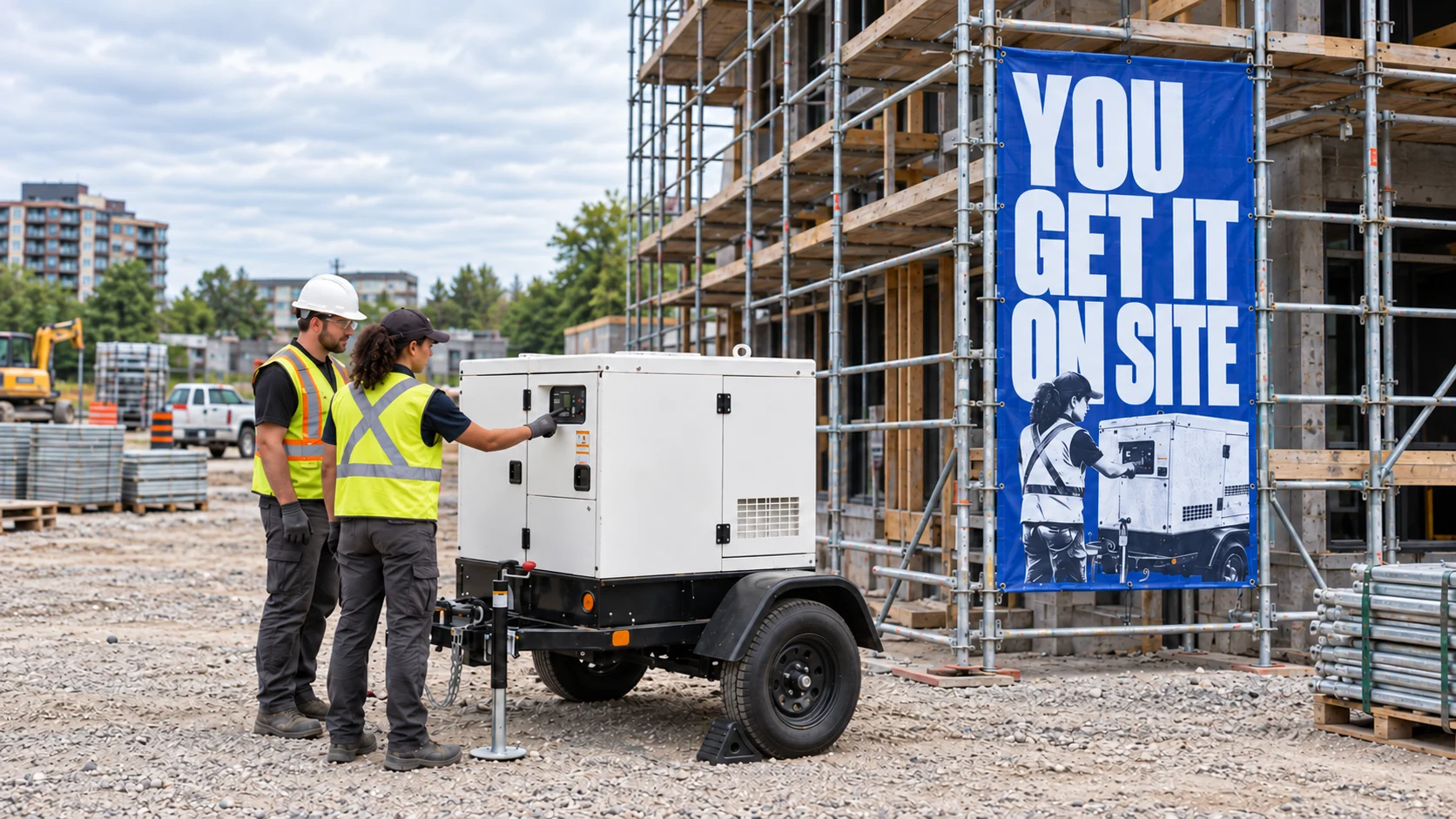
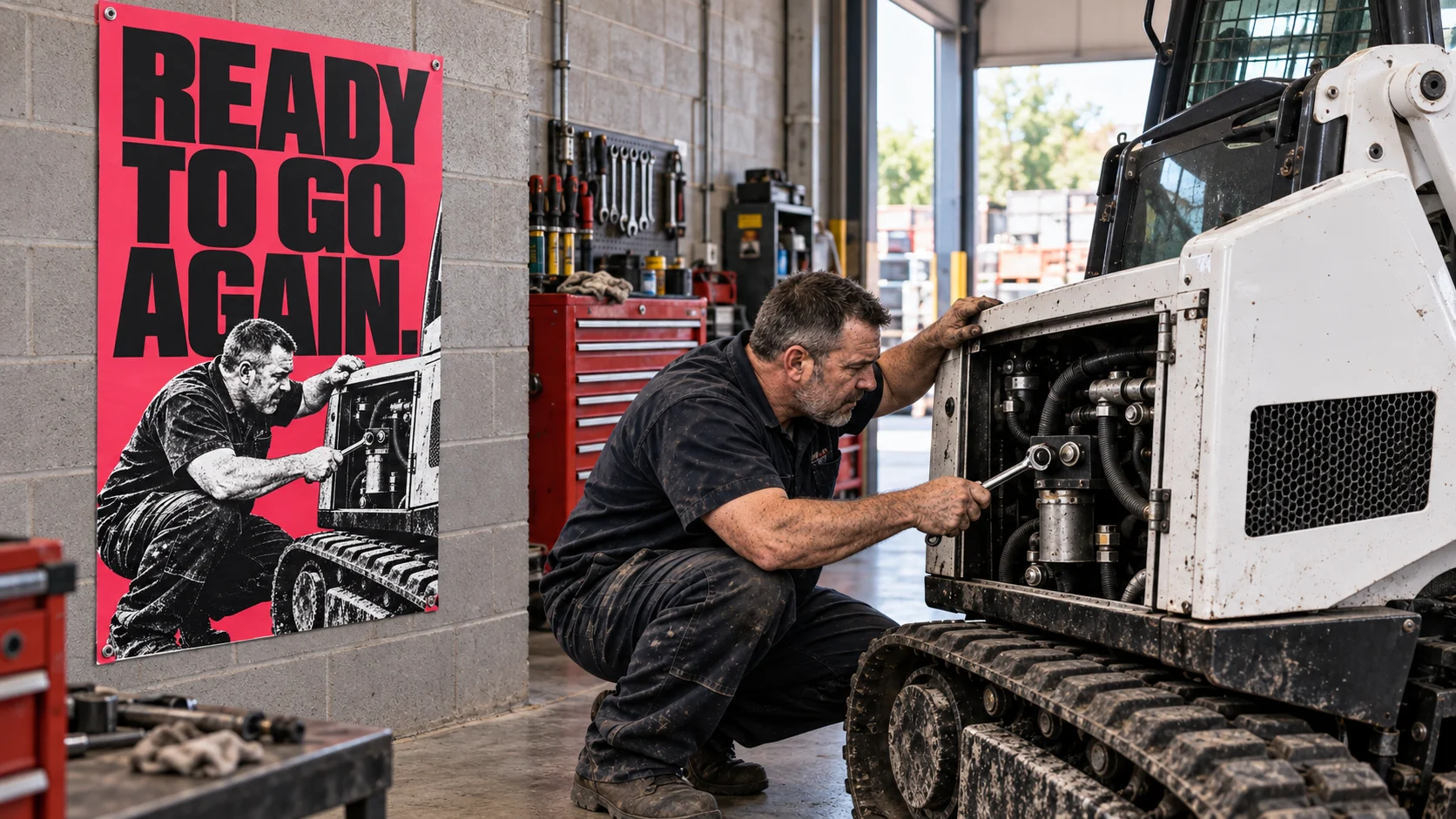
No software replaces the people who know the machines, the customers and the work.
Your experience matters to what we build.




Leading the business
Look after the team and plan what comes next.
Choosing your rental software
Your questions. Clear answers.
What you can do in Heyquip, and how to get started.
What does Heyquip rental software do?
Heyquip is cloud-based software for construction and event equipment rental businesses. It brings rentals, sales, fleet and inventory, repairs, invoicing and payments into one platform. Your counter, yard and office work from the same system.
Explore the platformDoes Heyquip include a CRM and customer messaging?
Yes. The integrated CRM keeps contacts, business accounts, orders, invoices, balances and customer pricing together. Send quotes and message customers in Heyquip, with replies, attachments and internal notes linked to the order.
See the CRM and messagingCan Heyquip manage inter-branch equipment transfers and availability?
Yes. Heyquip gives multi-location rental businesses a shared product catalogue with inventory and availability by branch. Your team can create an inter-branch equipment transfer request or record a completed move between locations. A request does not mean the equipment has arrived. The equipment calendar shows upcoming bookings and availability for the requested dates. Multi-location businesses receive a quote for their setup.
See inter-branch transfersHow does Heyquip handle dispatch, rerentals and purchasing?
When Dispatch is enabled, deliveries and pickups become requests linked to the order, then stops on an assigned route. If your own fleet cannot fill an order, a rerental keeps the supplier, dates, cost and customer rate together. Purchase orders then record what was ordered and received, including partial receipts.
See fleet operationsCan I track equipment maintenance and customer repairs?
Yes. Work orders keep the equipment, inspection checklists, tasks, time, parts and labour together. Service history stays with the machine, and billable work can be used to prepare the customer invoice.
See service and repairsCan customers book on a website with my own branding?
Yes. Your online storefront carries your name, branding and equipment catalogue. Orders and quote requests arrive in Heyquip. Signed-in contractors see their discounts and assigned price-list rates. A customer portal gives them access to rentals, orders and invoices.
See the storefront and portalHow does Heyquip work with accounting?
Heyquip handles rental, sales and repair invoicing and accounts receivable. When Accounting is enabled, you can use the chart of accounts, journal entries and general ledger. QuickBooks and Sage export files can be prepared for your accountant to import; this is not an automatic sync.
See accounting and invoicingHow do I switch from my current rental software?
We review your data and available files before agreeing on what can move. Help importing supported Excel templates, initial setup assistance and training are included. Data extraction and cleanup are quoted separately. Product support continues after go-live.
See the migration plan