CRM for equipment rental shops
Your rental counter and office share a customer record in Heyquip. When a contractor calls about last week’s lift, you can check their open contract and balance while you have them on the line.
Talk about your rental counter
From the counter to the office
Who is renting under this account?
Keep an individual renter’s record or link several contacts to one business. When a different crew member comes to the counter, your team can find the company’s payment terms, credit limit and assigned price list.
Which equipment is still out?
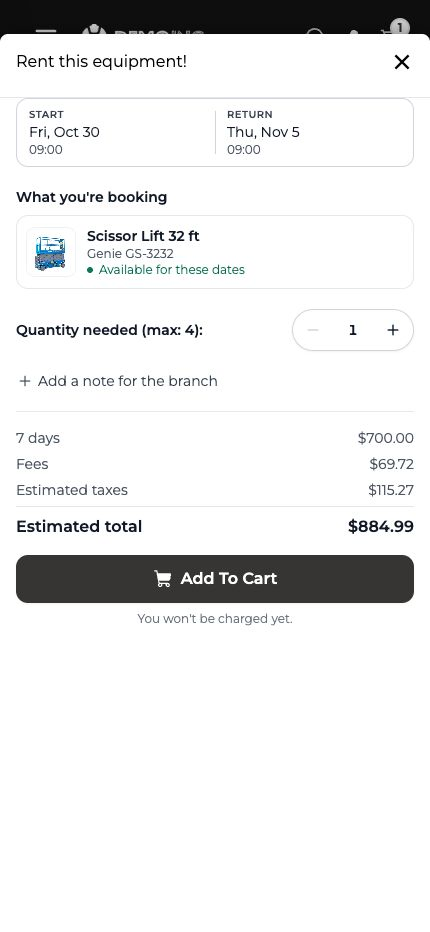
Start with the customer’s open contracts and equipment on rent. Use the order to check the machine and rental dates. When the same customer asks for another lift, start a quote from their record.
See how customers find their rented equipmentWhat does the customer still owe?
The office can see open invoices and payments against the same account. Check the amount outstanding and how long it has been due, then email the customer a statement when they ask for one.
See the invoices a customer can openDoes the customer see the agreed rate?
Assign a price list to a business account. In the storefront example, a JLG 450AJ rents for $495 per day. When the customer signs in, their 15% discount brings the daily rate to $420.75.
See the customer pricing example