Equipment rental software
Rent. Sell. Repair. One system.
Manage your rental business from the first quote to the final payment. Heyquip brings your orders, customers, inventory and repairs into one cloud-based platform.

Inside the platform
The tools to run your rental business.
Follow an order, find equipment, manage a customer account or review an invoice in Heyquip.
Rentals & sales
One order for what customers rent and buy.
Build an order with rental equipment, sale items, dates and prices. Check availability, prepare the contract and arrange pickup or delivery from the same record.
Quotes and reservations
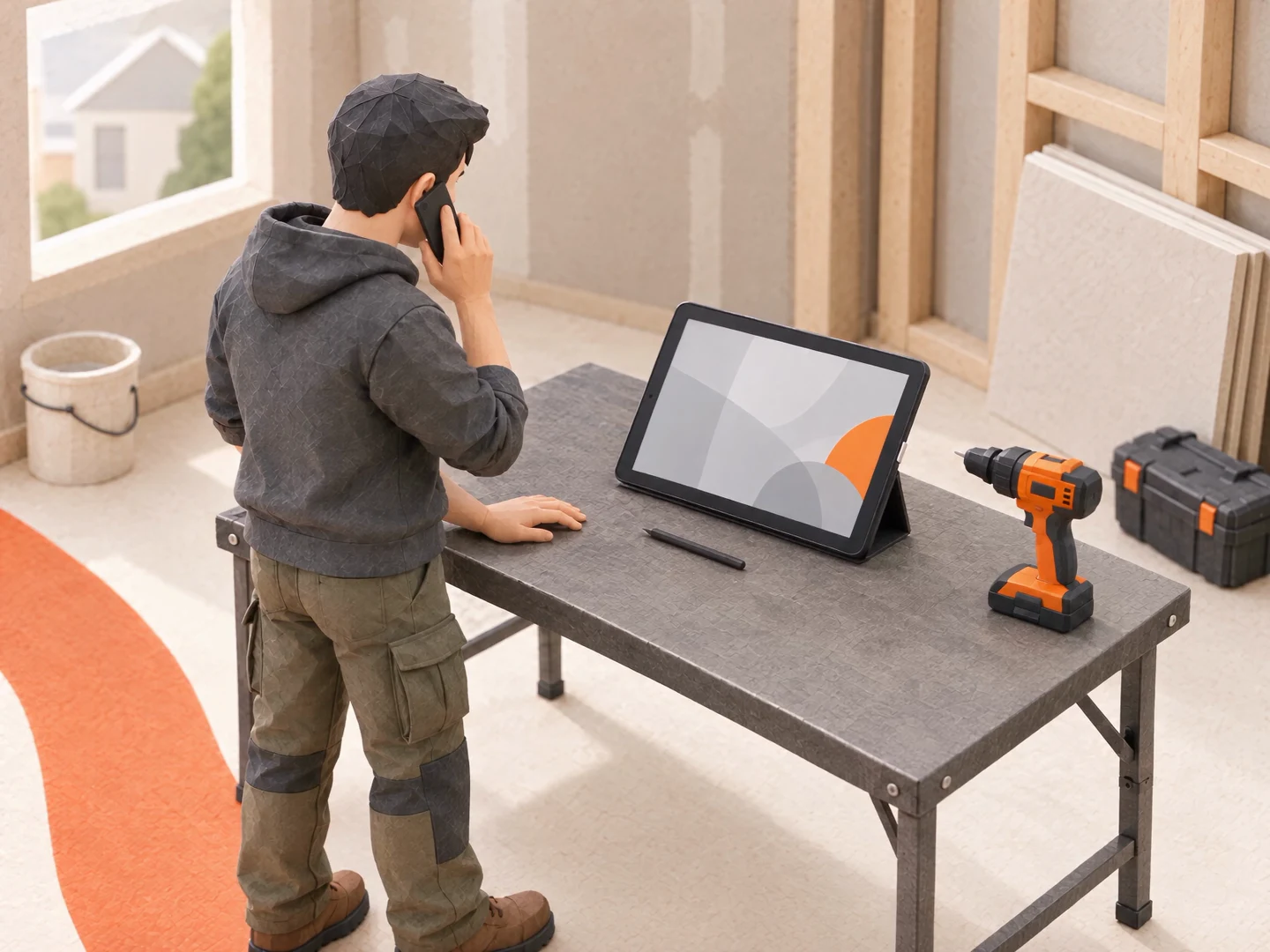
Move from quote to reservation, then follow the rental through pickup and return. Keep the customer, equipment and agreed rates with the order.
Rental and sale items together
Add equipment, parts or supplies for sale alongside rental items. Your team handles both in the same order.
Digital rental contracts
Let customers review and sign their rental contracts digitally. Keep the signed contract with the order.
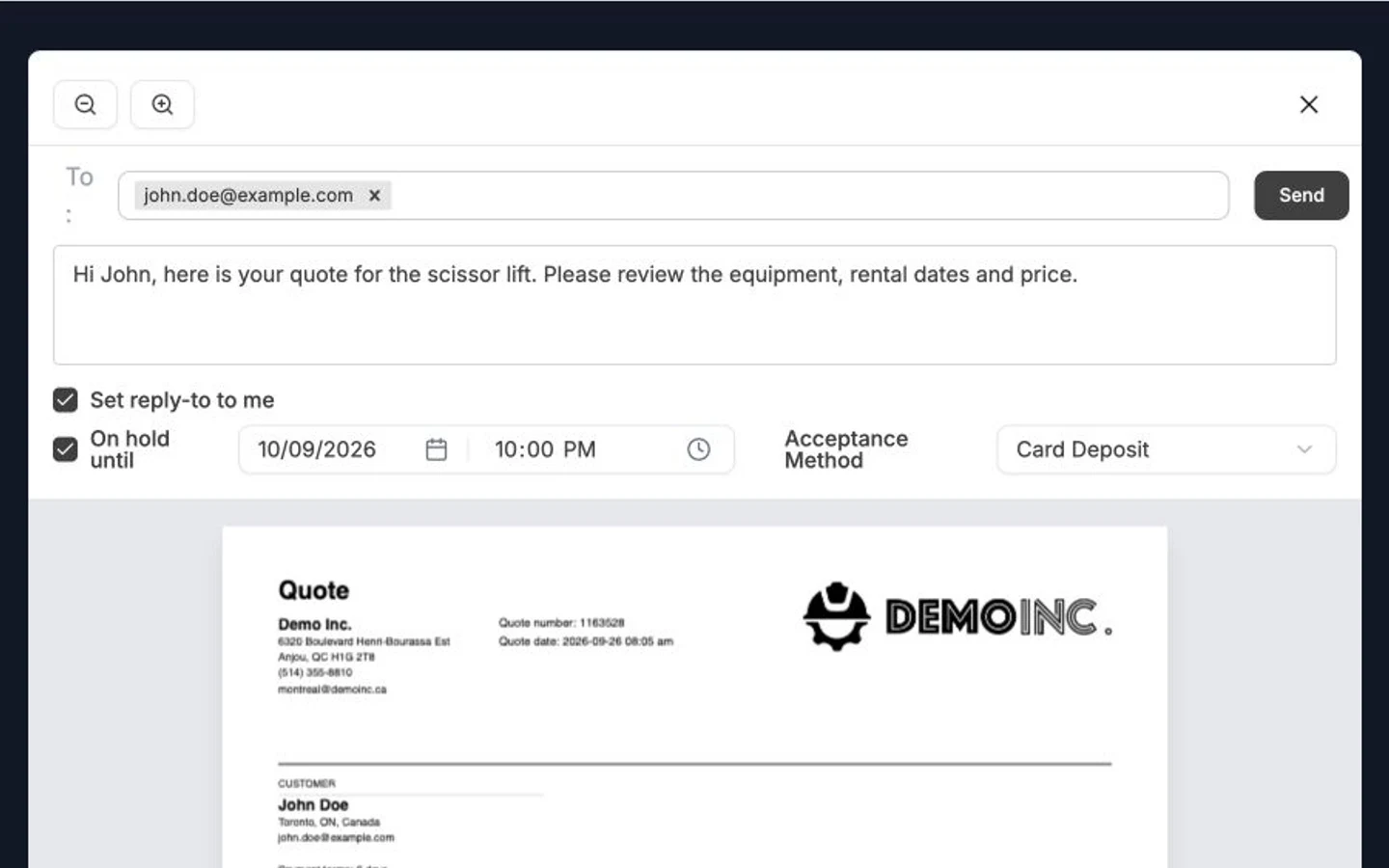
Review the rental equipment and rates, prepare the quote email and choose how the customer can accept.
Recorded in Heyquip · Demo dataIntegrated CRM
Manage customer contacts and business accounts in an integrated CRM. Find their orders, invoices and balances, and keep account pricing and payment terms with the customer record.
Customer messaging
Send quotes and chat with customers directly in Heyquip. Keep replies, attachments and internal notes with the order. A shared inbox helps your team see which conversations need an answer.
Fleet & inventory
Know your equipment. Know what’s available.
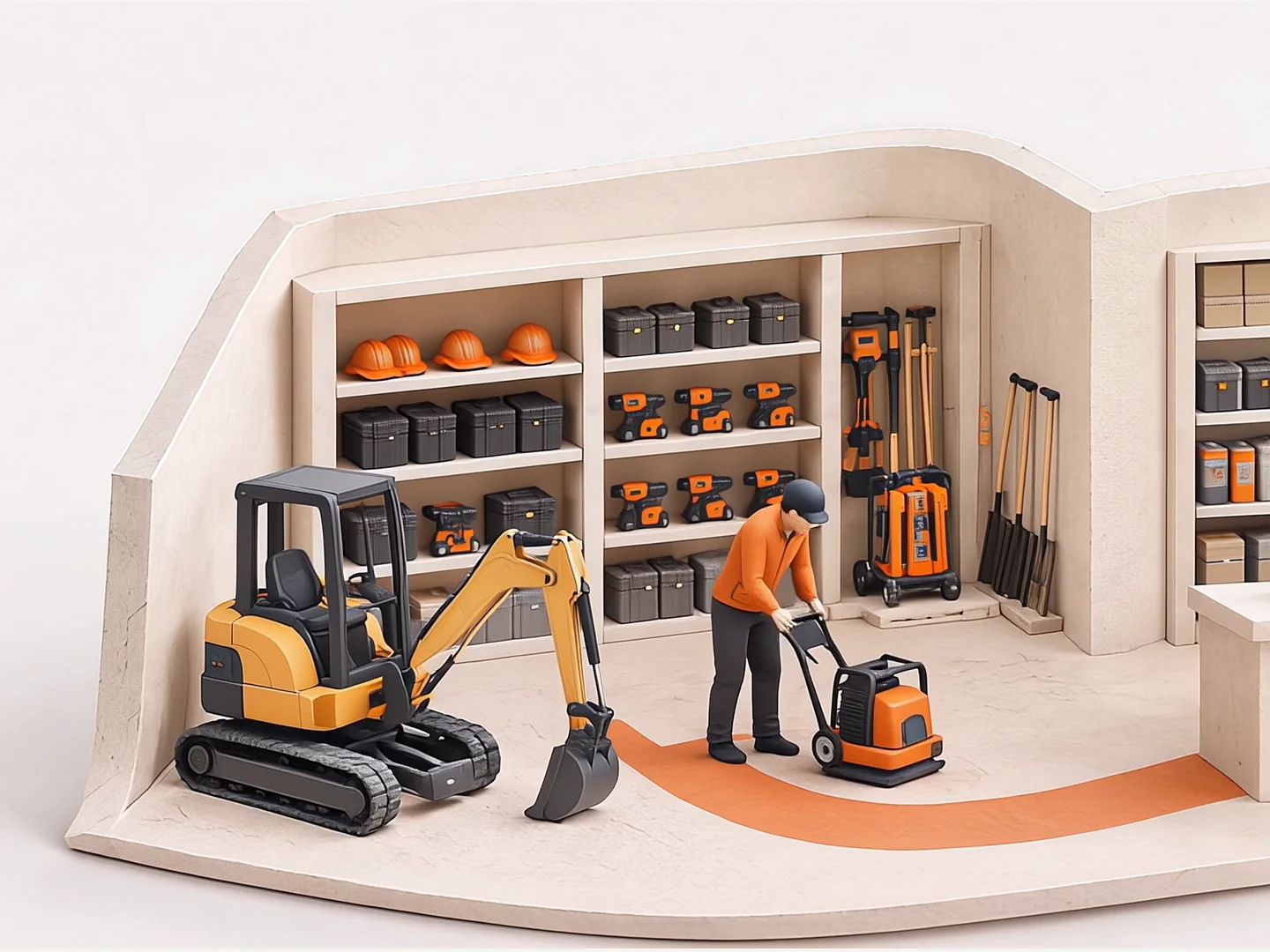
Manage rental equipment, items for sale and parts in one inventory. Check availability by date and branch, and follow each machine through its rentals, returns and service work.
Equipment records and barcode scanning
Find a machine by product, inventory ID, serial number or barcode. Open its record to see its branch, status and service history.
Real-time rental availability
Check availability for the dates your customer needs. Reservations and equipment status give the counter and yard a shared view of what can go out.
Inventory across branches
Track serialized equipment and quantity-based stock. Share a product catalogue across branches while keeping each location’s inventory in view.
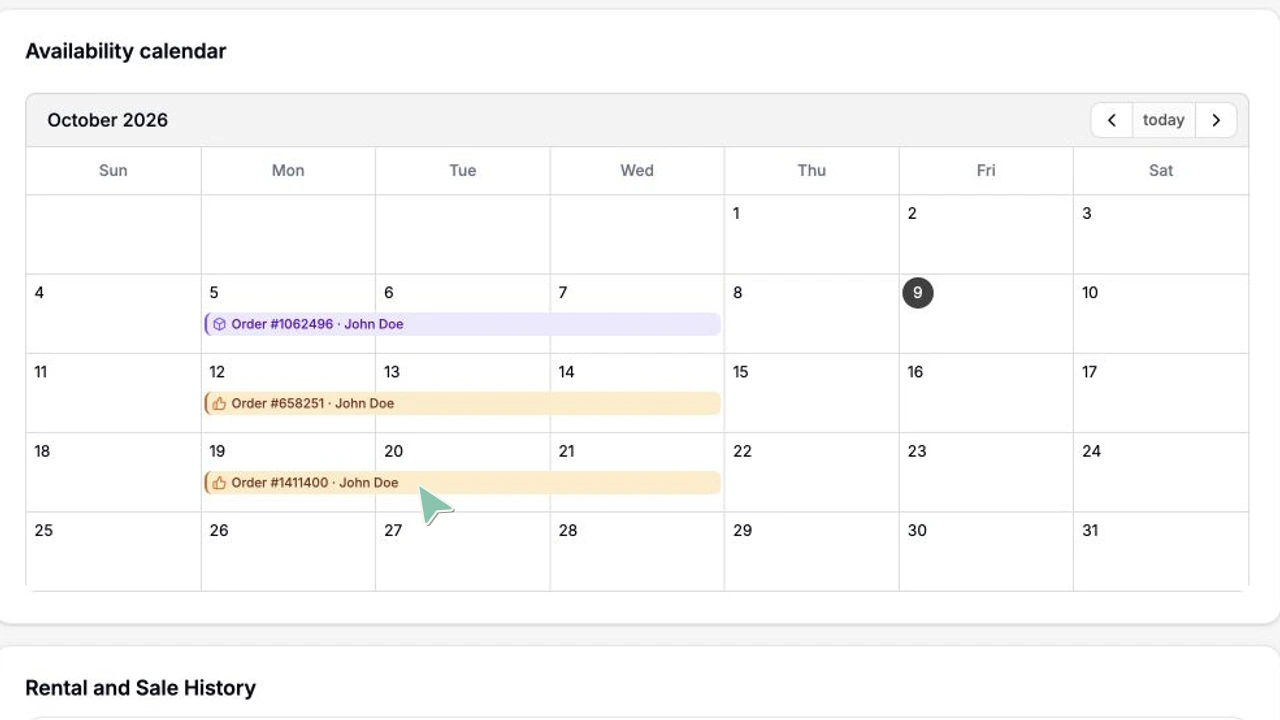
See a machine’s upcoming bookings and open dates, then open a reservation to check the equipment and rental period.
Recorded in Heyquip · Demo dataDispatch & deliveries
Plan equipment deliveries and pickups, assign routes to drivers and follow each stop’s progress. Keep the equipment and customer order with the delivery request.
Rerentals & subrentals
Rerent equipment from another supplier to fill a customer order. Track the supplier, rental dates, costs and customer rates together.
Purchasing & receiving
Create purchase orders for vendors and receive equipment, parts and stock as they arrive. Track partial deliveries and bring received quantities into inventory.
Service & repairs
Track each repair, down to parts and labour.
Manage maintenance for your fleet and repair work for customers. Work orders bring together the equipment, the tasks to complete and the work to bill.
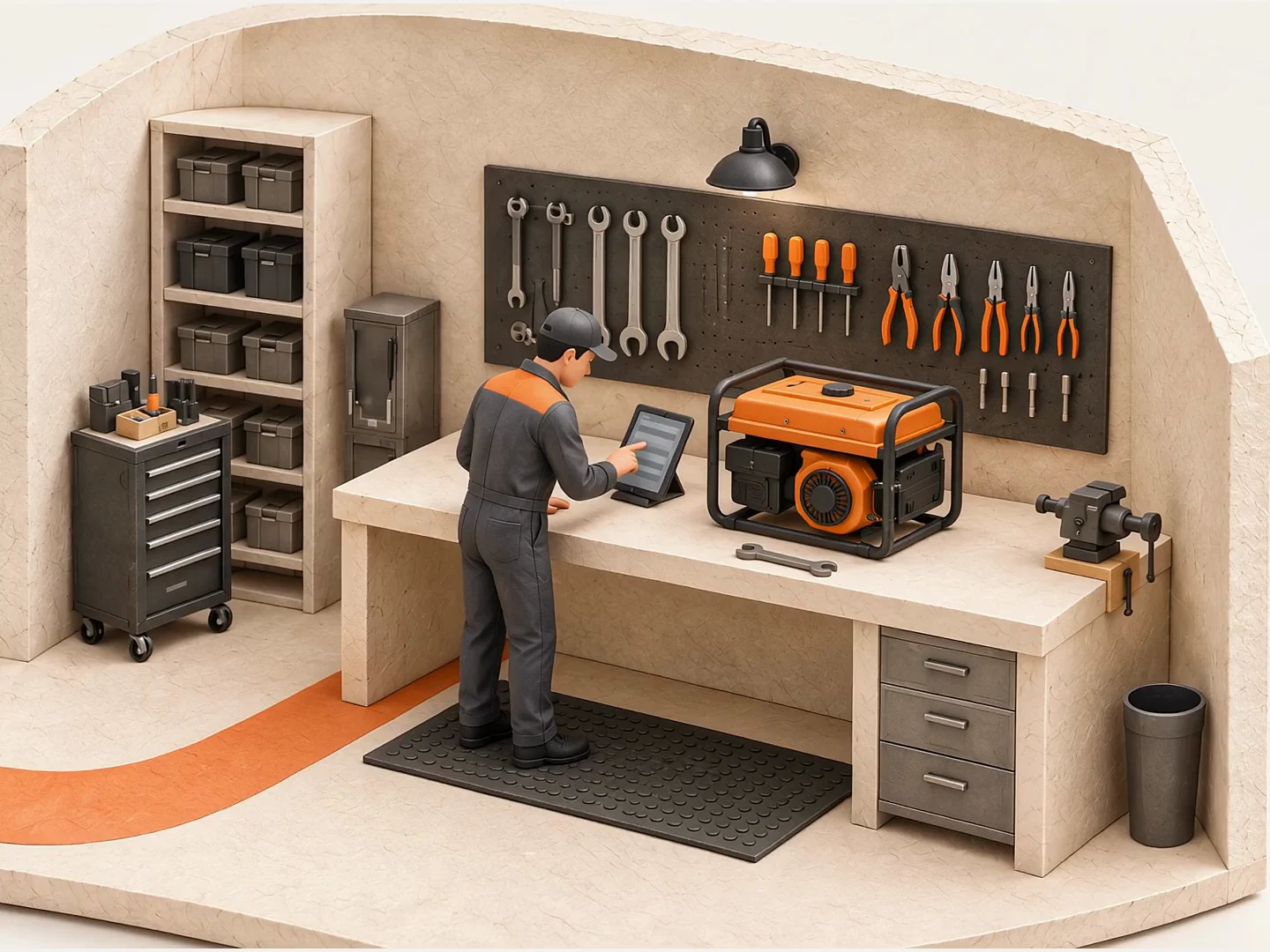
Inspections and work orders
Create work orders with inspection checklists and task instructions. Record time and follow progress from the yard to the workshop.
Parts and labour
Record the parts used and time worked. Create an invoice for billable parts and labour from the work order.
Equipment service history
Review previous work before starting the next job. Keep maintenance and repair records with the machine they belong to.
Inspection work order

Open an inspection task and review its instructions, duration and equipment details.
Recorded in Heyquip · Demo dataAccounting & invoicing
Follow every invoice and outstanding balance.
Handle billing and accounts receivable from your rental, sales and repair records. Open an invoice, review the balance and trace it back to the original order or work order.
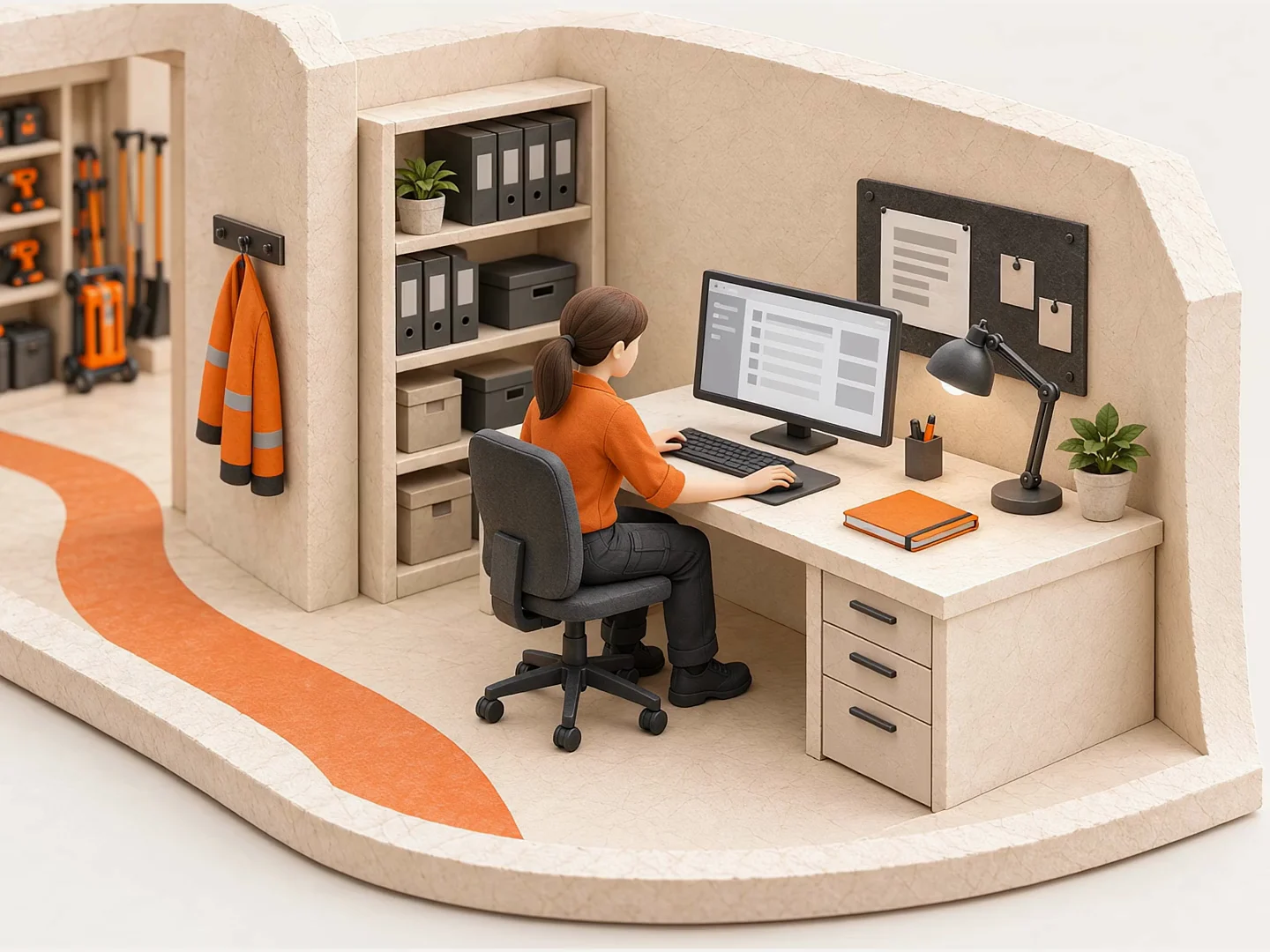
Invoicing and cycle billing
Invoice rentals, sales and repairs. For longer rentals, select the periods to bill while keeping the rental open.
Accounts receivable and payable
Review unpaid invoices and aged customer balances. Follow vendor charges back to purchases and subrentals.
Accounting records and exports
Use the chart of accounts, journal entries and general ledger when Accounting is enabled. Prepare QuickBooks and Sage export files for your accountant to import.
Accounts receivable
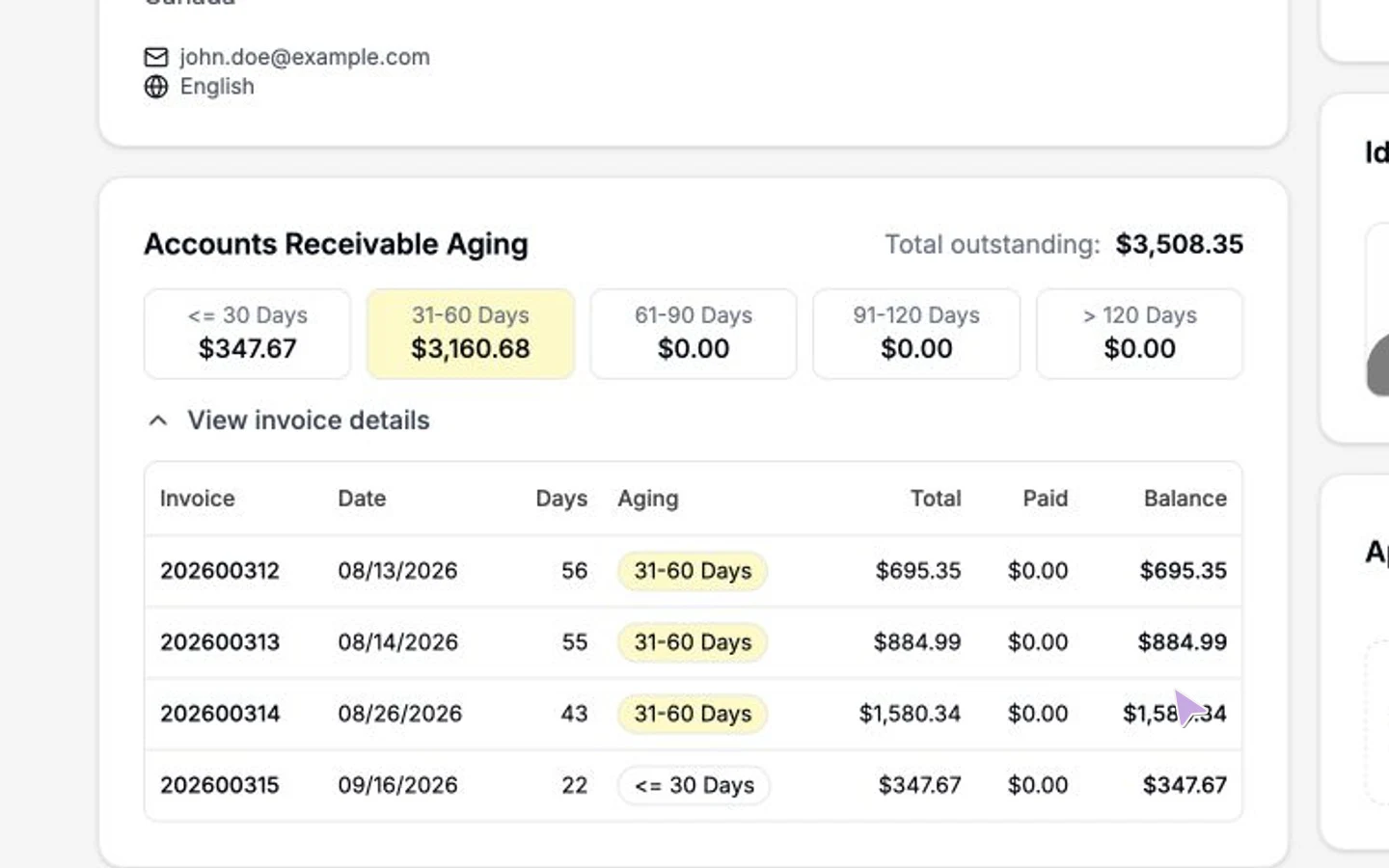
Review the customer’s aged balance and unpaid invoices, then check an invoice’s items, total and remaining balance.
Recorded in Heyquip · Demo dataPayments
Take payment. Keep the balance clear.
Accept card payments at the counter or online with Stripe and record other payments in Heyquip. Keep deposits, payments and outstanding amounts with the customer account.
Card payments at the counter
Send the order balance to a compatible Stripe Terminal reader. Your customer pays by card and the payment stays with the order.
Online payments
Let customers pay through your online checkout or an invoice payment page, with Stripe set up for your business.
Deposits, payments and balances
Record deposits, cash and cheque payments. Apply payments or account credits to invoices and see what remains owing.
Add a payment
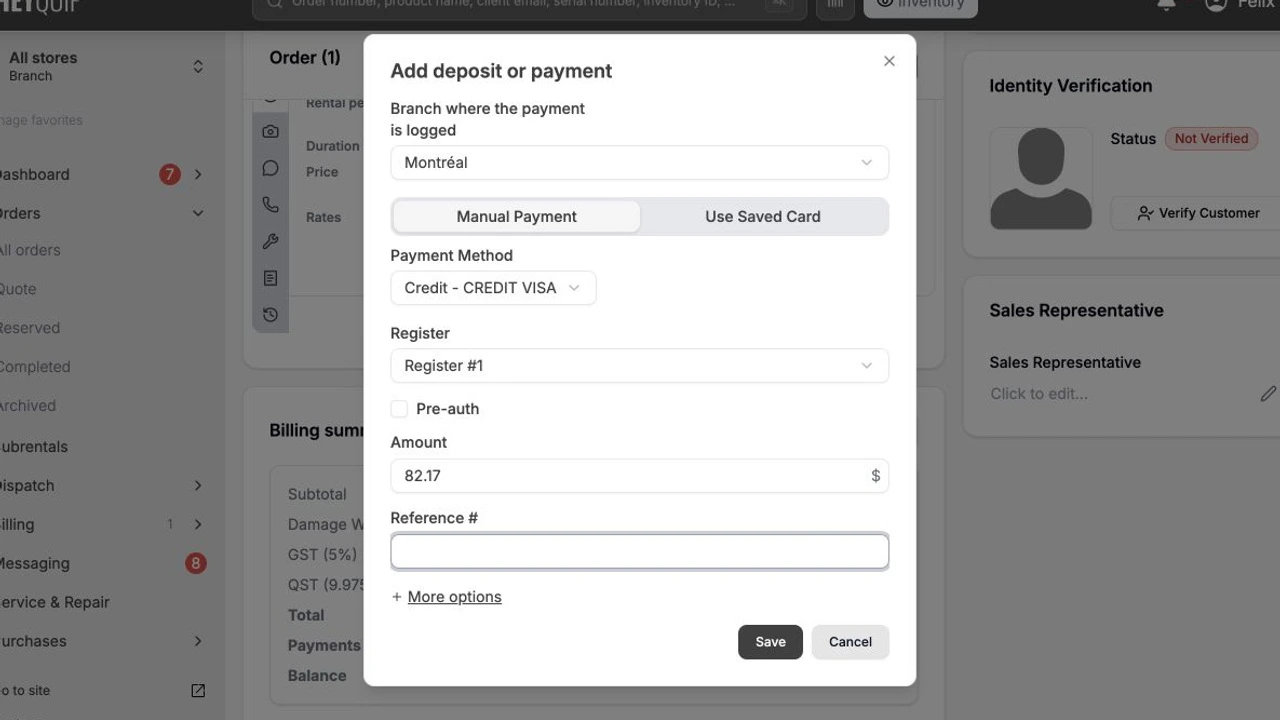
Review the order total and balance, then prepare a manual payment with its payment method, register and amount.
Recorded in Heyquip · Demo dataOnline storefront
Let customers book online and follow their rental.
Put your equipment catalogue on a storefront with your name and branding. Online orders and quote requests arrive in Heyquip for your team to review and manage alongside counter orders.
Online rental booking
Let customers browse equipment, check availability and choose rental dates. Your team receives their order or quote request in Heyquip.
Their prices, as soon as they sign in
Signed-in contractors see their discounts and the negotiated rates from their assigned price lists directly on your website. Their prices appear in red and update in real time.
Customer portal
Give customers access to their rentals, orders and invoices. They can message your team and request a return from their account.

Choose equipment and rental dates, then review the cart and pickup option.
Recorded in Heyquip · Demo dataFind the right setup for your business.
See plans & inclusions- 01
Plan the move
We review your data and the way your team works.
- 02
Prepare the team
We plan the imports, setup and training together.
- 03
Start with support
Your team starts working in Heyquip, with help as questions come up.
Your business in Heyquip
See how Heyquip fits your day.
Tell us about a rental, sale or repair your team handles. We’ll walk through it in Heyquip, from the customer’s request to the invoice and payment.